







Cashier Training
Welcome to IT Retail, we’re so glad you’ve chosen our POS for your store! This article will guide yo
 January 09, 2026
It's a good practice to double-check cashier drawer counts of cash after a shift is complete, and the Balance Till tool allows you to easily do this. This article will guide you through the Balance Till page to verify cash counts. See how easy it can be!
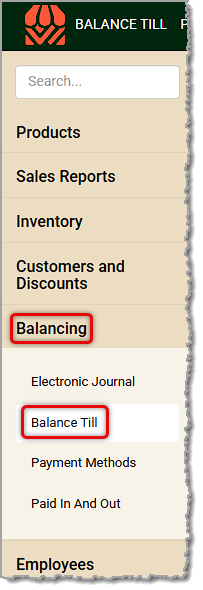
You can get to this part of the system by logging into the Back End and opening the Balancing menu. Click on Balance Till to get started.
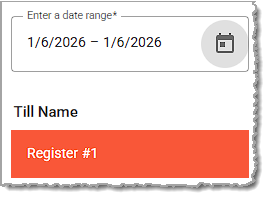
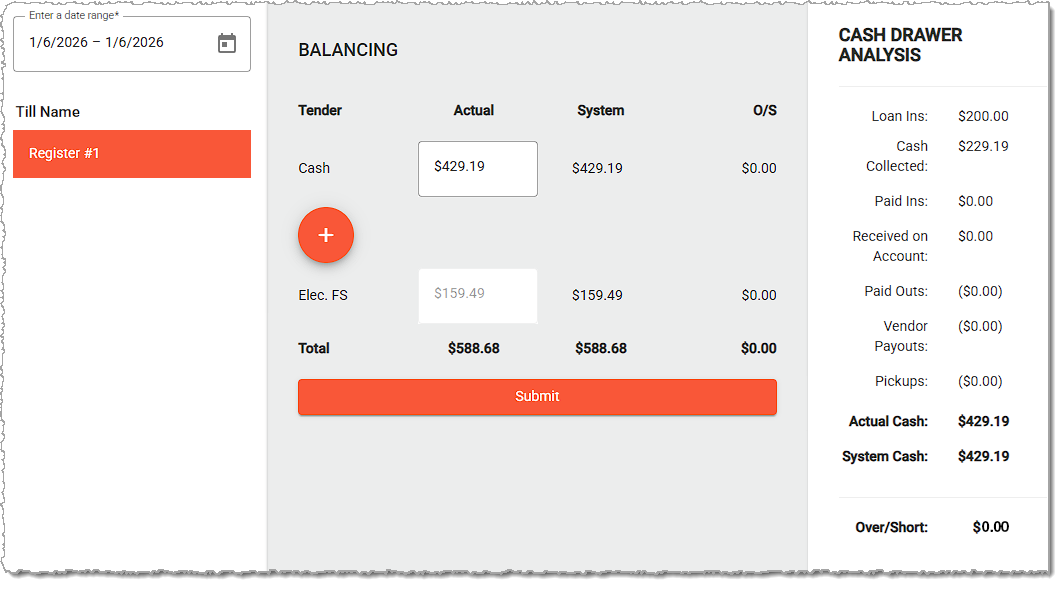
By default, the system will show you the date for the most recently closed shift and will list all tills that had end of shift procedures for that date. You can click on the Date Range field to find a different shift or to view totals for a range of days, if needed.
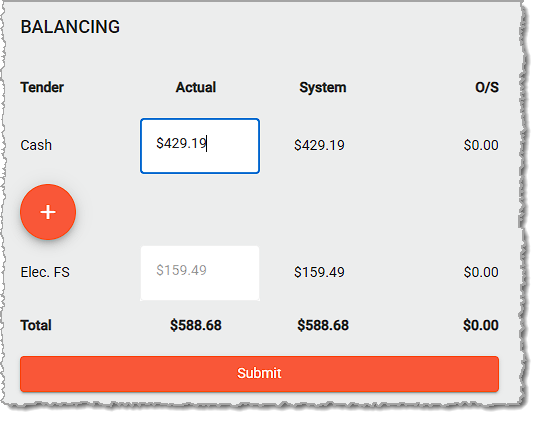
The System count for your cash will be visible for you and you can check against that total as you do your Actual count and enter that amount. You'll also see counts for other tender types below your cash.
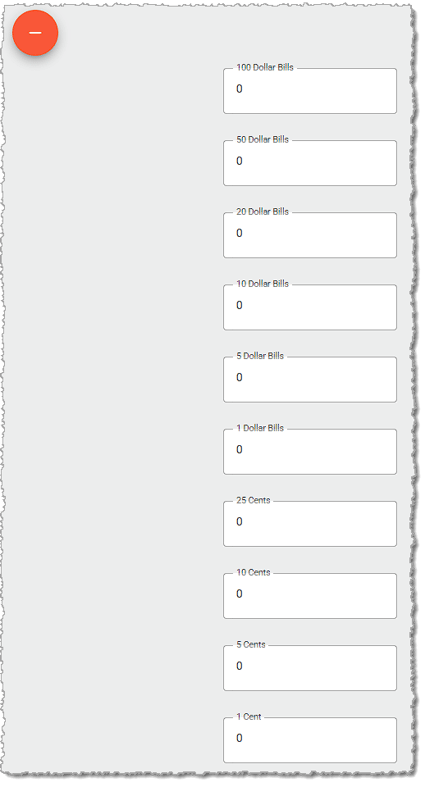
If you click the Plus button, fields will expand so you can enter bill and coin denominations for the cash as you count it, and the Actual cash field will keep a running total of your counts as you enter them.
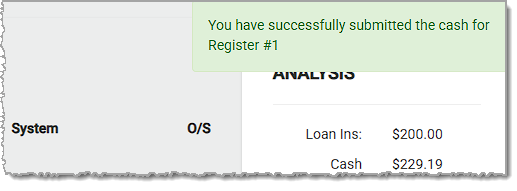
Once you finish your count, you'll see the over/short total, if any, and you can reconcile the amount. Click the Submit button to submit your cash count. You'll see a confirmation that the submission was successful.
The Cash Drawer Analysis area will break down other methods by which cash was either taken in or paid out of the drawer throughout the shift, including Loans, Paid Ins, Received on Account, Paid Outs, Vendor Payouts, and cash Pickups.
Q: I have a question, but I can't find my answer here. How do I get more assistance?
A: If you need immediate assistance, the IT Retail team is available 24/7. Feel free to contact our support team at 877-752-0625. You can also email us at support@marktpos.com, and we will respond within 24 hours.
Is this page helpful?
×Help us improve our articles